Global Settings
Global Settings is where super-admins configure system-wide defaults such as rate limits and review license information.
note
The Settings page requires Super-Admin role access.
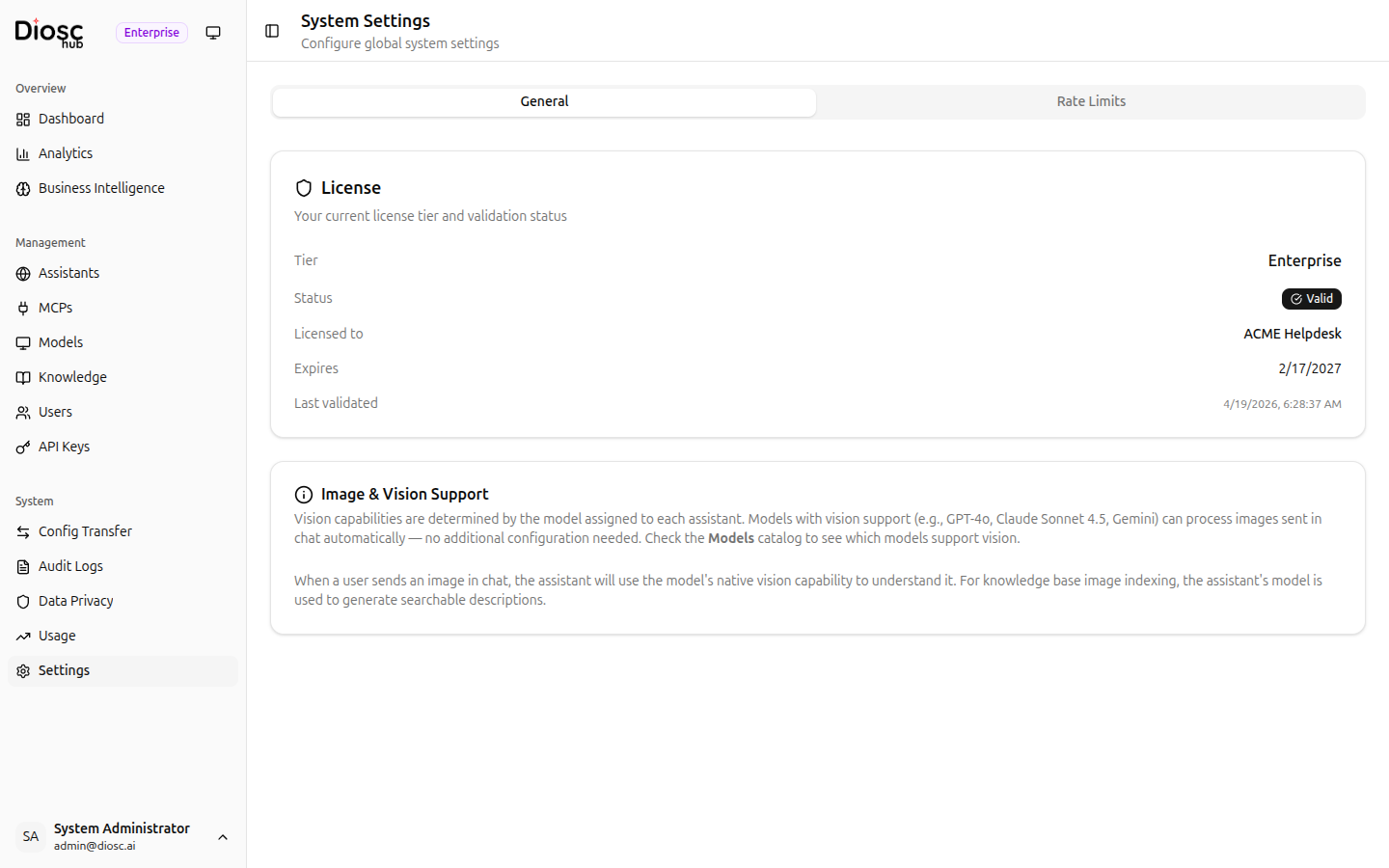
The settings page has two tabs: General and Rate Limits.
tip
For model catalog and provider credentials management, see Models.
General Tab
The General tab displays license and feature information for your deployment.
License Information
| Field | Description |
|---|---|
| Tier | Your current license tier |
| Status | Whether the license is active and valid |
| Licensed to | Organization name on the license |
| Expires | License expiration date |
| Last validated | When the license was last checked |
Image & Vision Support
Displays the current status of image and vision processing capabilities for your deployment.
Rate Limits Tab
Configure system-wide request rate limiting.
Global Configuration
- Enable/Disable toggle for global rate limiting
- Request Limits:
- Per Second (burst limit)
- Per Minute (sustained limit)
- Per Hour (quota limit)
- Upload Limits: Per Minute, Per Hour
- Download Limits: Per Minute, Per Hour
Override Configurations
A table showing assistant-specific or role-specific rate limit overrides.
info
Rate limits follow a resolution order: Role > Assistant > Global > Environment Defaults. The most specific matching limit applies.
Next Steps
- Models — LLM model catalog and provider credentials
- Users & API Keys — Manage portal users
- Usage — Monitor token usage