Rate Limits
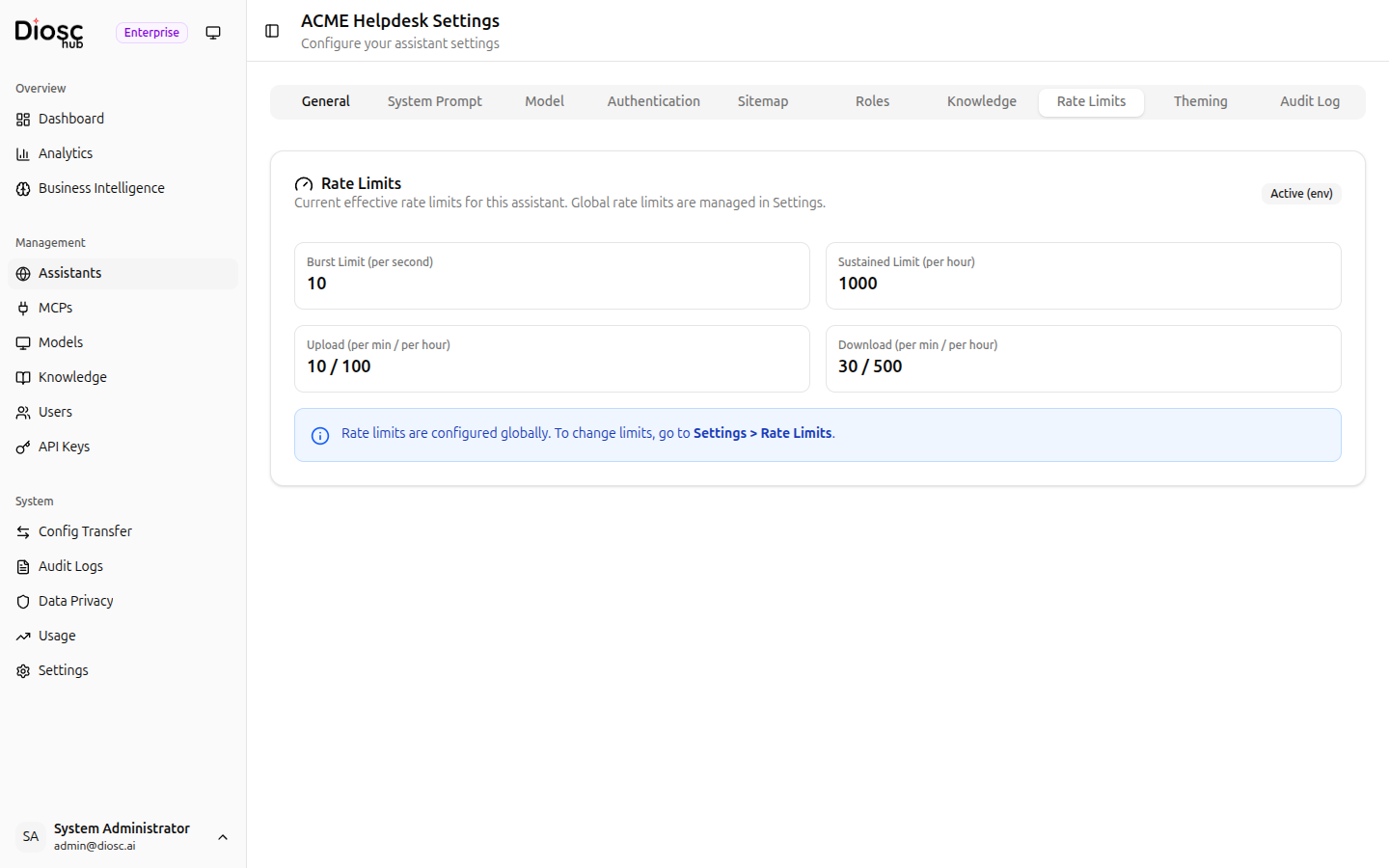
The Rate Limits tab shows the current effective rate limits for this assistant.
Current Limits
The tab displays four read-only limit cards:
| Limit | Description |
|---|---|
| Burst Limit (per second) | Maximum requests allowed per second |
| Sustained Limit (per hour) | Maximum requests allowed per hour |
| Upload (per min / per hour) | Upload rate limits per minute and per hour |
| Download (per min / per hour) | Download rate limits per minute and per hour |
The current source of limits is shown in the top-right corner (e.g., "Active (env)").
info
Rate limits are configured globally. To change limits, go to Settings > Rate Limits in the sidebar.
Audit Log Tab
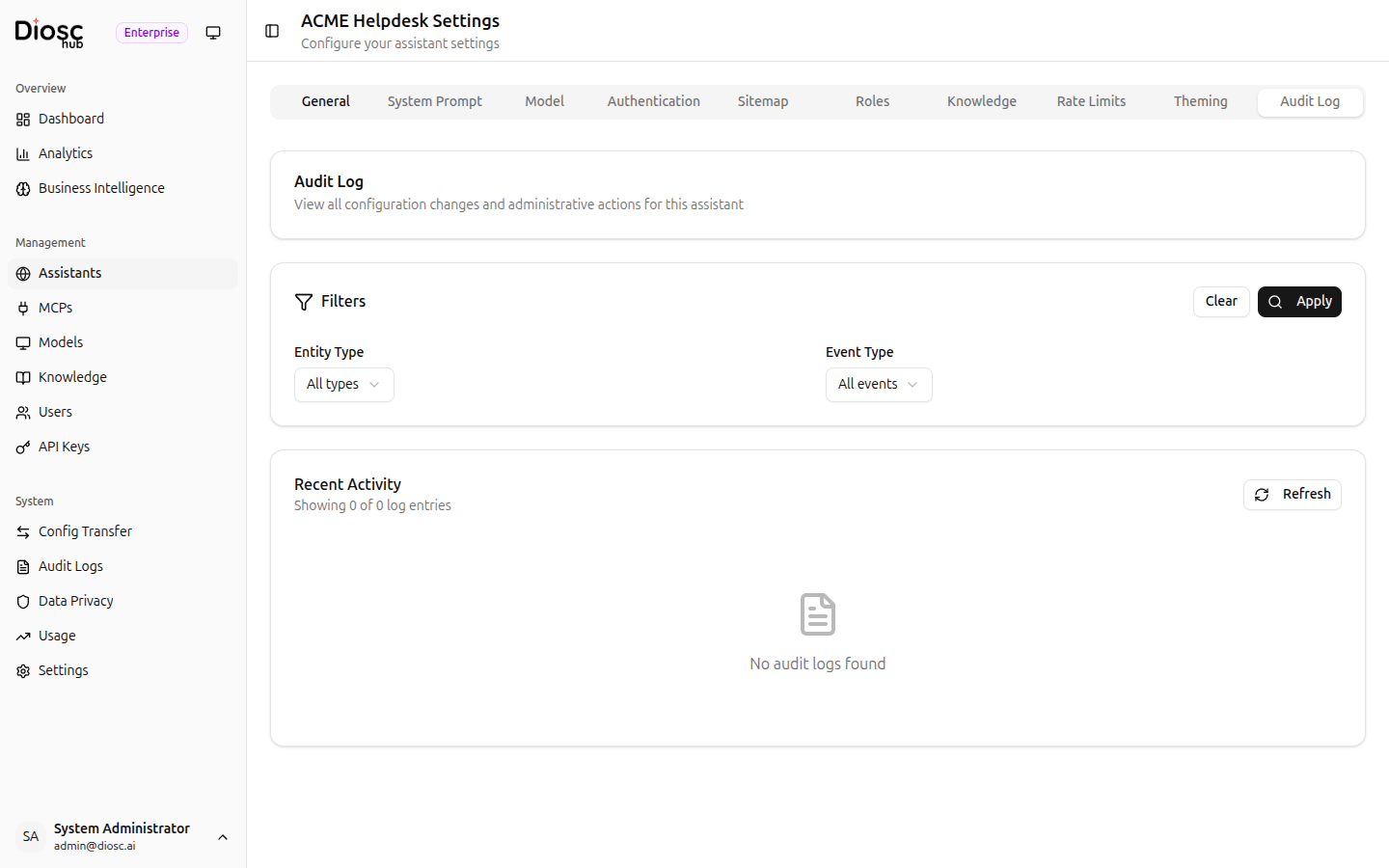
The Audit Log tab tracks all configuration changes made to this assistant.
Filters
Use the filter bar to narrow results:
| Filter | Description |
|---|---|
| Entity Type | Filter by the type of entity changed (e.g., assistant, role, sitemap) |
| Event Type | Filter by action (e.g., created, updated, deleted) |
Click Apply to run the filter, or Clear to reset.
Recent Activity
The activity list shows log entries with timestamps, actions, and the user who made each change. Click Refresh to reload the latest entries.